Warning! In spite of the 'tutorial' title, this is designed as a basic over-view of the character creation process, and does not contain enough information to actually duplicate the character used.
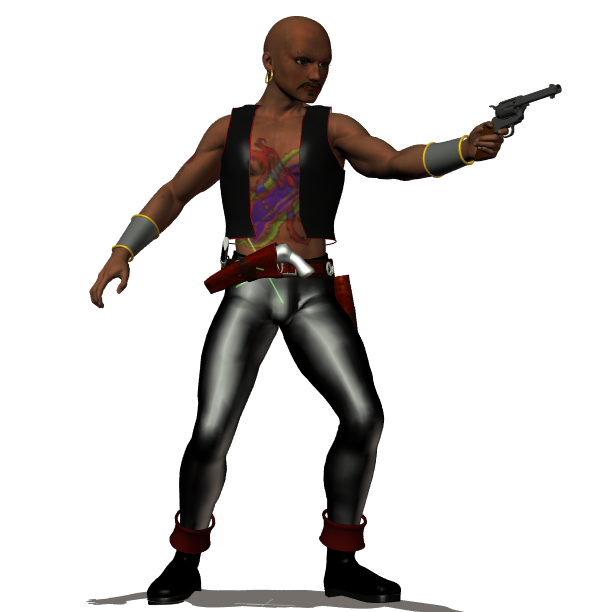
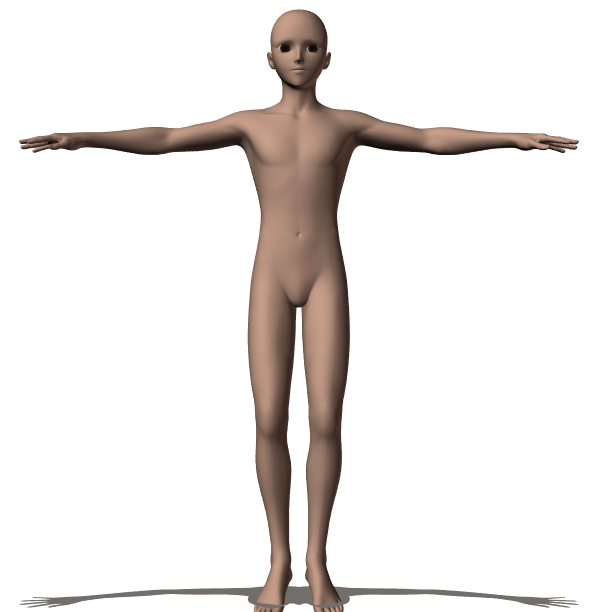
Like all my male characters Captain Blood is a variation on a stock character available for purchase at DAZ3D. His name is Hiro. Out of the package, Hiro looks like this:
There are quite a few things that need to be done in order to make Hiro look like Blood. First we change his body type and shape, using morph dials like so: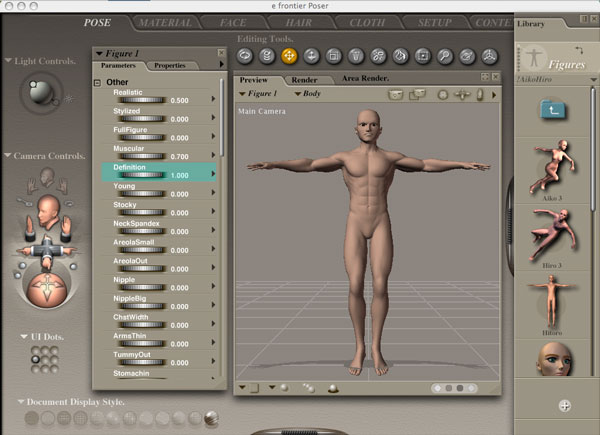
And then we zoom in on his face, and get to work, with the face morphs. Between the morphs that come with the figure, and the morph packages I have bought, I think there are over a hundred face morphs on this character -- finding exactly the right ones to get the face I want tends to take me a couple hours :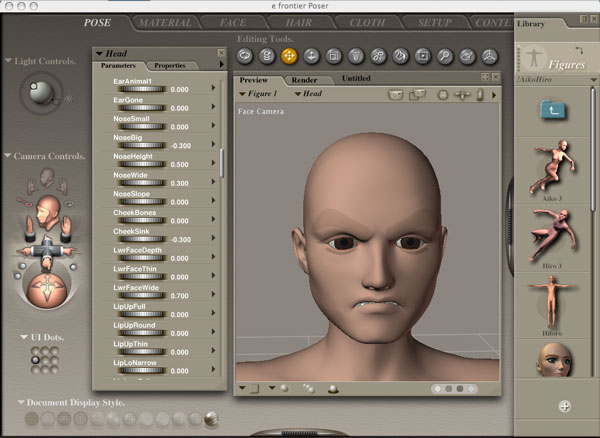
And, of course, the poor guy needs clothes, so I go through my library of purchased clothing items, and find some that seem to suit his personal style: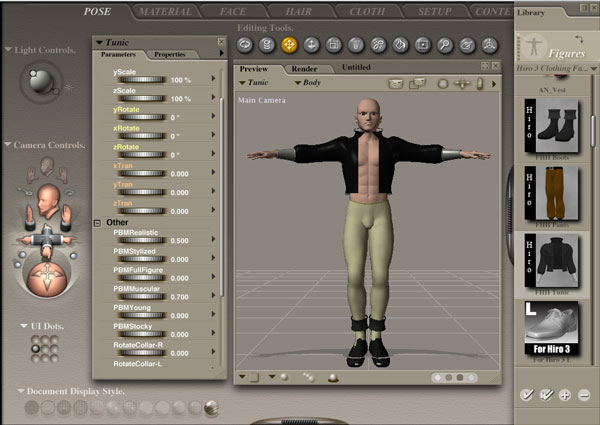
And lastly I skin him with one of the many skin sets I've purchased, or downloaded as freebies. In this case I chose one with built in facial hair, like so: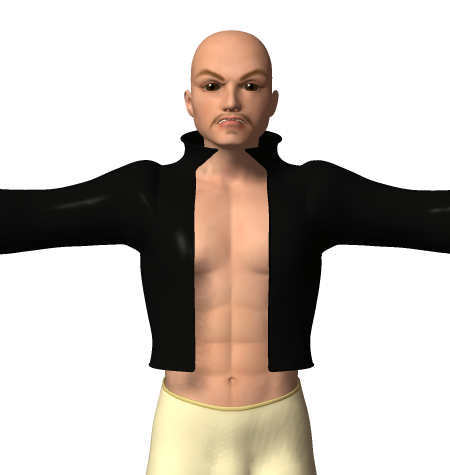
And there you go, Captain Blood...
...Or maybe not. Shall we compare?
Looks like I'm not anywhere close to finished yet.
The sad truth is that twirlling dials and picking stuff out the library only gets you so far. If you have a very specific look in mind, as I did, you are going to need to go beyond the basics. Hopefully I will eventually get another tutorial up describing how.